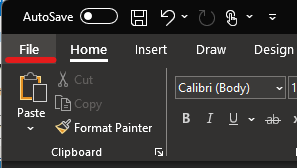
2. Press 'File' in the top left corner
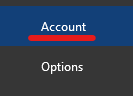
3. Followed by 'Account'
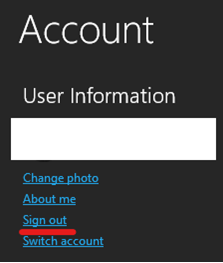
4. Press 'Sign out'
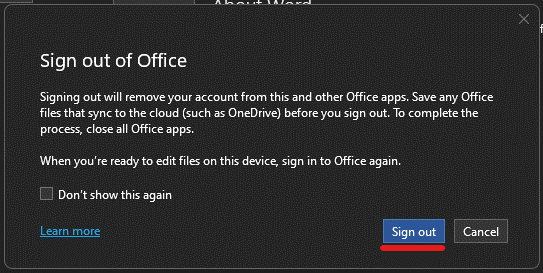
5a. Confirm by pressing 'Sign out' again
5b. Open another office app (example Excel)
5c. Verify you are logged out, otherwise repeat step 1-5a again