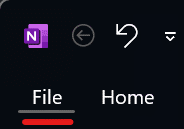
2. Followed by 'Account'

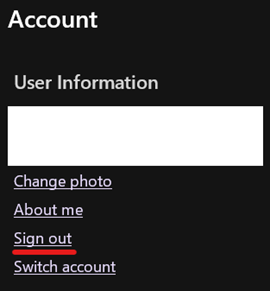
3. Press 'Sign out'
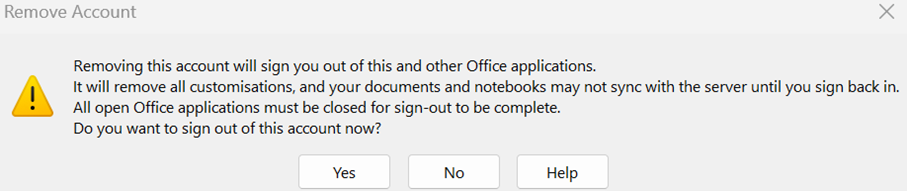
4. Confirm by pressing 'Yes'
5. Close OneNote
Now proceed with the rest of the pre-migration steps, then revisit OneNote configuration in the post migration steps to re-configure OneNote and your old Notebooks for your new Dellner Group account.